
Pivot Table, Facilio CMMS
Redesigning a powerful analytics tool from the ground up so people would actually reach for it.


- Problem
- Controls were scattered across V1. Nobody could predict where an option lived.
- My role
- UX end to end, from domain learning and research to QA support.
- Outcome
- Usage up, fewer how-do-I questions, and three new features adopted without docs.
The full story
Fold any chapter once you have read it.
01ProblemWhat was the problem?
V1 worked but was fragmented: formatting, filters and value controls lived in different corners. Conditional formatting and column reordering did not exist.
Domain learning, interviews, competitive analysis, information architecture, interaction design, a UI audit and QA support.
Nobody could build a pivot view without trial and error, or the implementation team.
02ResearchHow did I research it?
Learn what a pivot table is, how it's used, and what was wrong with ours.
| Tool | What I borrowed |
|---|---|
 | Formatting where the user works. |
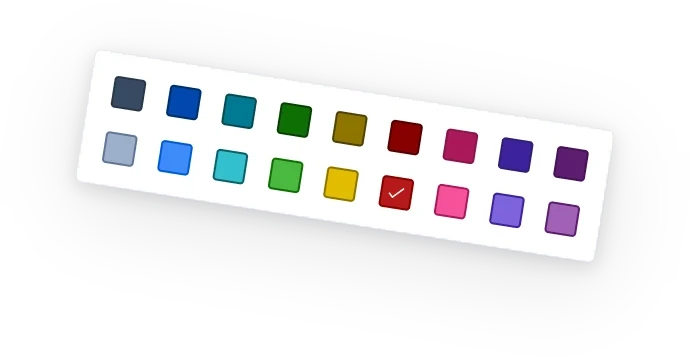
 | Conditional formatting and cell visuals, without clutter. |
 | Year → Quarter → Month date hierarchies. |
The audit and the interviews agreed on four problems.
4 problems found
Pivot controls were scattered, so key features were hard to find.
Filters were hard to reach, for quick or advanced analysis.
Formatting and customisation were inconsistent for non-technical users.
Widespread accessibility issues were identified.
- Text too small in data-dense views.
- Button colours failed WCAG 2.1 AA contrast.
03IdeasWhich ideas did I try?
The directions, and the one chosen.
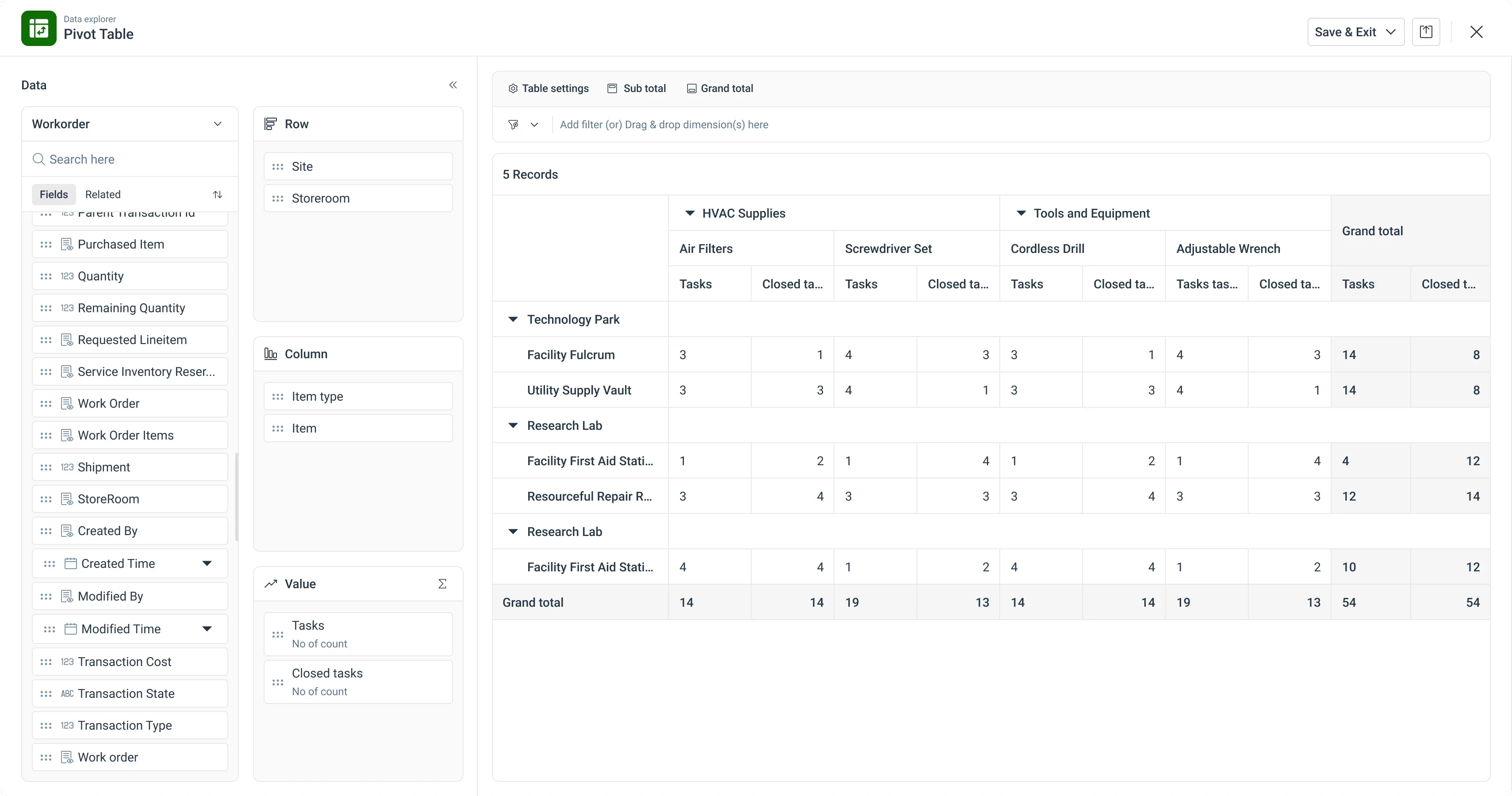
Every field dropped into a zone becomes a pill that shows only its own options. Less to scan, less to remember.
04SolutionWhat did I design?
The screens, the features and the components.
A value opens its own menu: aggregation, then formatting.
A date expands into Year, Quarter, Month and finer levels.
Applied filters stack as tags, with Clear all.
Quick filter: search, tick, apply.
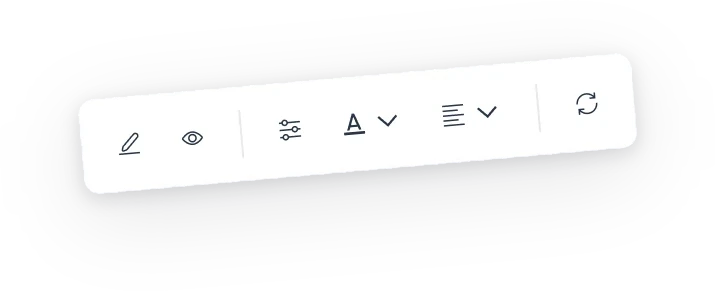
Formatting opens from the value's own toolbar.
Alignment from the same toolbar.
Sub totals per row and column, each with its position.
View, grid, density and theme in one menu.
Every control is scoped to its zone, under a fixed filter bar. The table stays the main surface.
05OutcomeWhat changed after launch?
Discoverability was the biggest shift: with controls beside their context, people explored without guidance. Conditional formatting and date hierarchy, new to V1, became part of regular reporting.
- Worked
- Domain learning first. A real model of pivots grounded every decision.
- Selective borrowing. The best of three tools beat copying one.
- The implementation team as research partners. They knew V1's failures.
- I'd change
- Test earlier. Concept tests on the pills and filter bar would have shortened QA.
- Baseline the metrics. Without a V1 figure, the growth is hard to size.