
Dashboards, Facilio CMMS
Rebuilding dashboards so the actions people use every day sit on the page, not behind a menu.
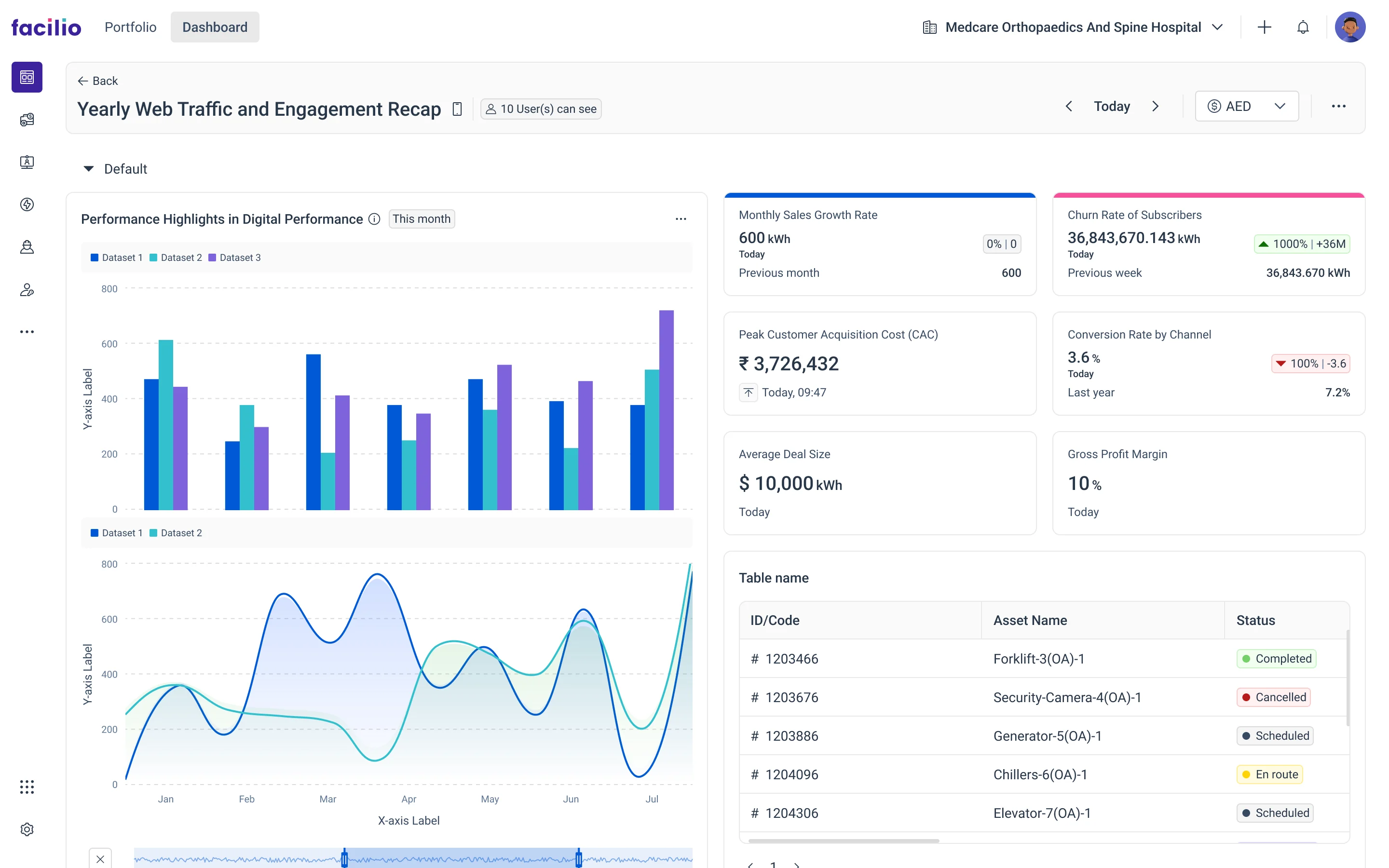
- Problem
- Everyday actions hid behind a kebab menu and a separate page. Widgets sat off-grid in colours that failed WCAG.
- My role
- UX end to end: research, the folder page, viewer, builder, widget shell and timeline filter.
- Outcome
- Actions on the page, every widget on one grid from one shell, and one picker for time.
The full story
Fold any chapter once you have read it.
01ProblemWhat was the problem?
Too many stops to perform simple actions, and the information people sought most often was hidden.
My role
Domain learning and pain points, then the folder page, viewer, builder, widget shell and timeline filter.
V1 · Before
V1 · Before
02ResearchHow did I research it?
Learn how a dashboard works before changing it, then find where ours hurt.
- Domain learningFive questions first: how a dashboard works, what it shows and why, what each visualisation does, which suits which need, how customers arrange widgets.
- Pain pointsCollected from users and the implementation team, who see where customers stall every day.
- Red routeWalked the route to a first widget, stop by stop, to see where it breaks.
- Industry practicesHow the best dashboards handle the same needs. The concepts borrow where they fit.
5 problems found
Frequent actions hidden in a menu that navigates to a separate page.
Widgets not arranged on a grid.
Widget colours that did not follow WCAG; random, hard-to-read fonts.
No grouping of visual data.
A kebab menu holding every action, so nothing was upfront.
03IdeasHow did the ideas take shape?
Actions outside the menu, and one widget shell with shared placeholders and T-shirt sizes, so customisation and a symmetrical grid both hold.
04SolutionWhat did I design?
The screens, the features and the components.
Design approach
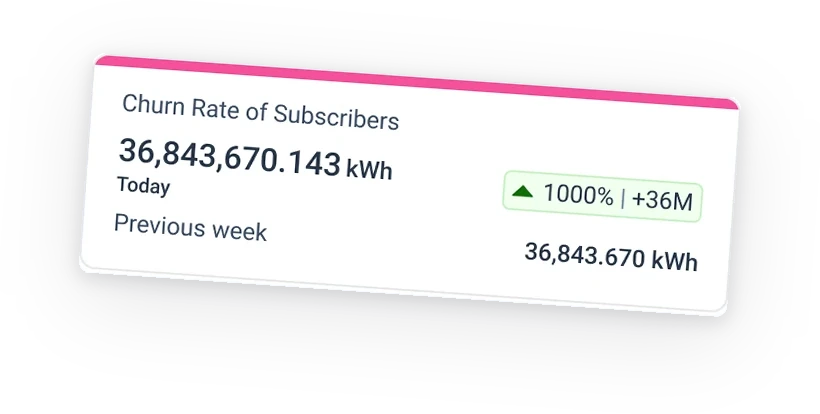
Widgets became design-system components, so the shell, placeholders and sizes are shared. Groups keep related data together, and everyday actions sit on the page.
05OutcomeWhat changed after launch?
No baseline was measured, so the impact is what you can see.
- Fewer stopsCreate, add and configure happen on the page.
- A grid that holdsAny mix of widgets lands symmetrical, from one shell and its sizes.
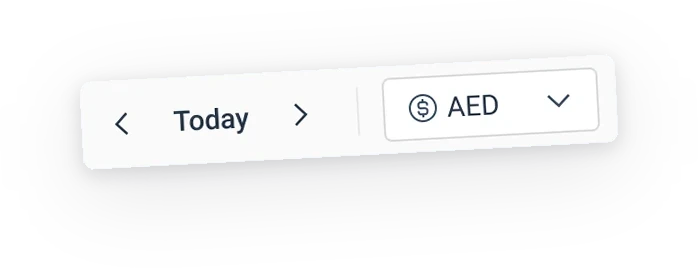
- Time, in one placeAn hour to a decade, set in one picker.
- Worked
- Learning before designing. The five questions gave every decision a footing.
- Pain points from the implementation team. They see customers stall every day.
- Building the widget into the design system as it was built. One shell settled layout, sizing and consistency.
- I'd changeMeasure before and after. Without a baseline the gains stay qualitative.