
Agent Flow Builder, Facilio AI
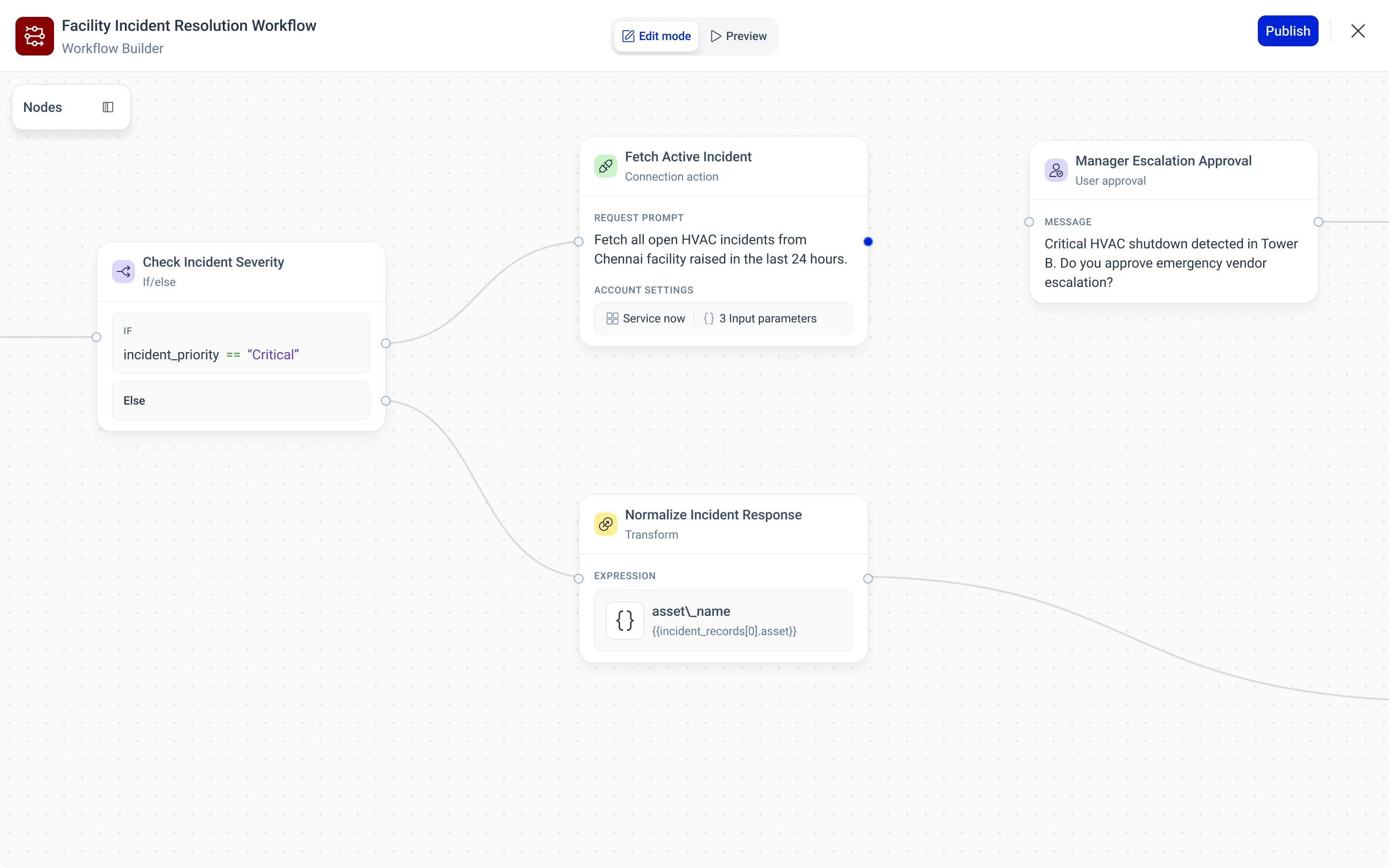
Composing an AI agent the way you would sketch it: drag a node, wire it, fill in one panel.
- Problem
- Wiring a chat trigger, an AI model, an ITSM system and an approval into one workflow took engineering.
- My role
- UX end to end: the node set, the canvas, every card and panel, both themes and the components.
- Outcome
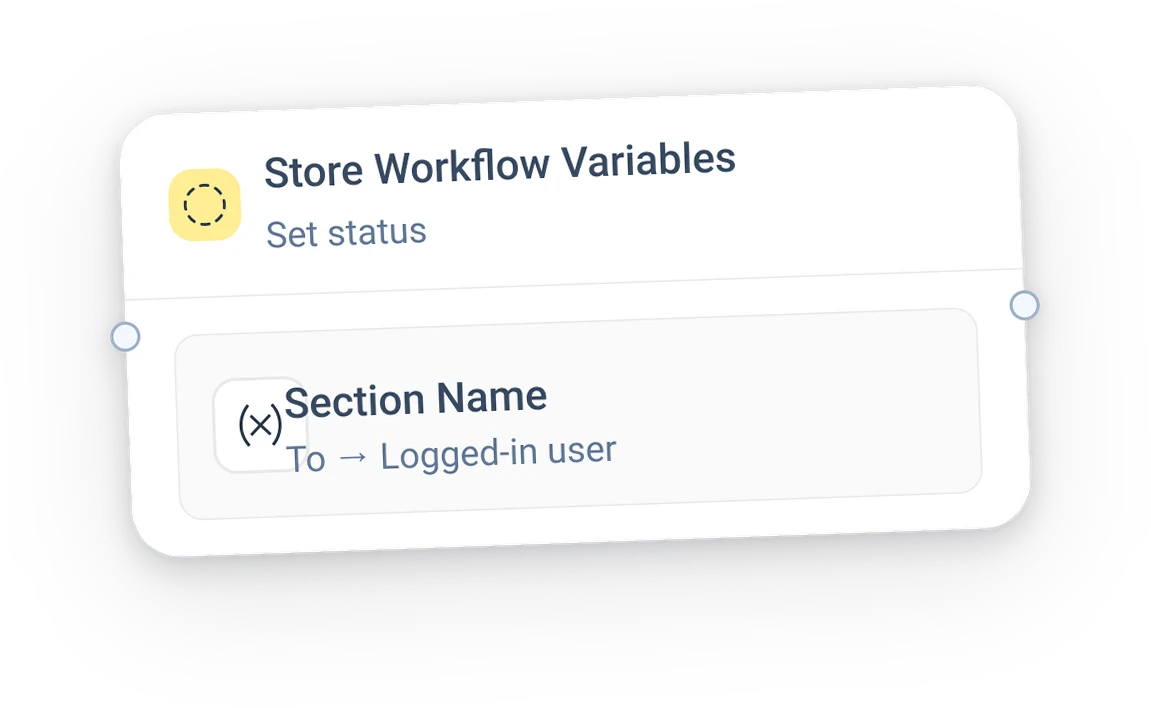
- Nine nodes in three groups on one canvas, each a card with one panel.
The full story
Fold any chapter once you have read it.
01ProblemWhat was the problem?
Give people a way to compose AI agents without reading a manual, or writing code.
The node vocabulary, the canvas and its tools, every node in three states with its panel, and the component set.
- Many partsA trigger, a model, an ITSM call, a human approval, a loop and some state.
- SoEvery change to the flow was a request to engineering.
- The askOne canvas where the flow is visible, and every part is configured in place.
02ResearchHow did I shape the vocabulary?
The smallest set of nodes that expresses a real incident workflow, named in a facilities team's own words.
- One real scenarioWhatsApp in, triage, classify, fetch, approve, wait, store, end.
- Builder conventionsWhat nodes, ports, connectors and panels mean in canvas tools people know.
- Group by jobCore does the work, Logic decides and repeats, Data shapes and keeps values.
- Real sample contentPlausible titles, prompts and values, so each state is judged as it will be used.
4 findings
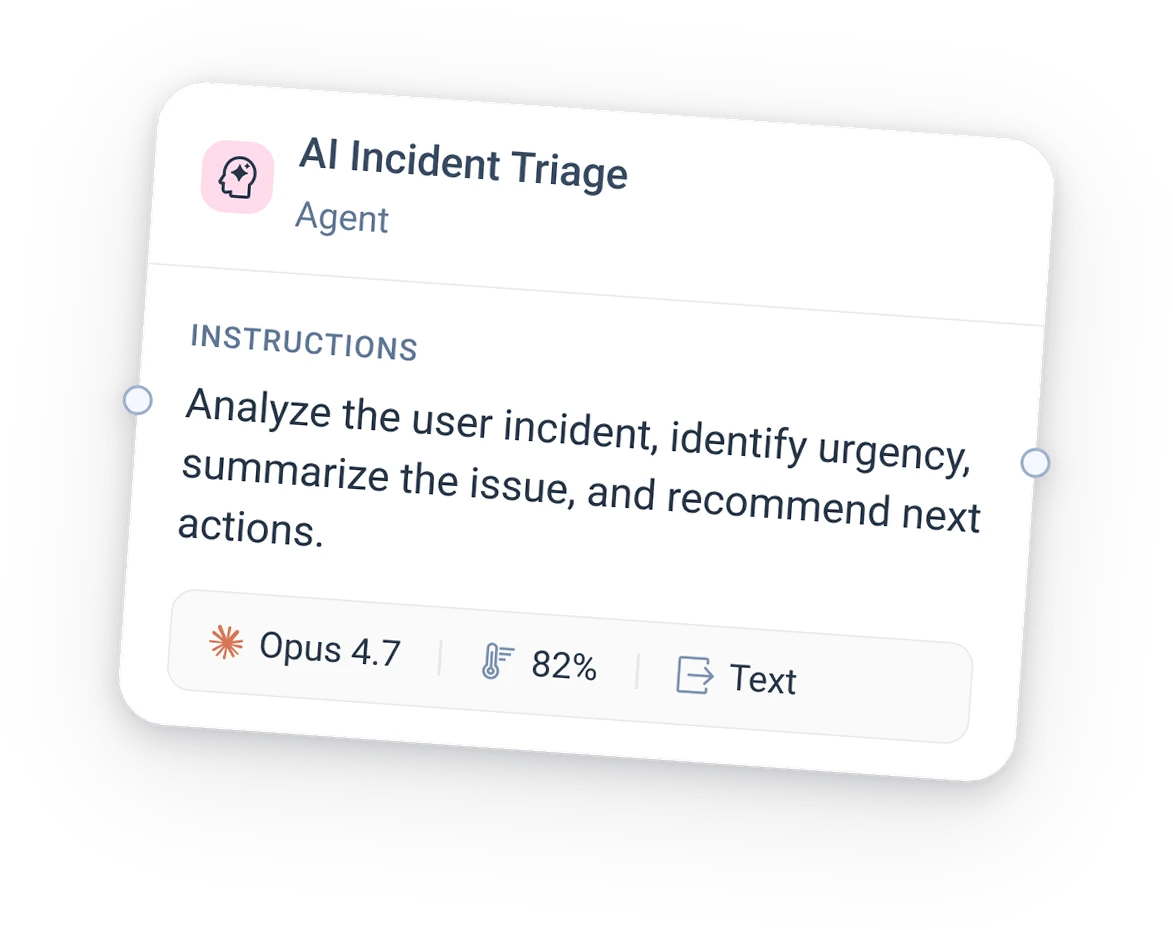
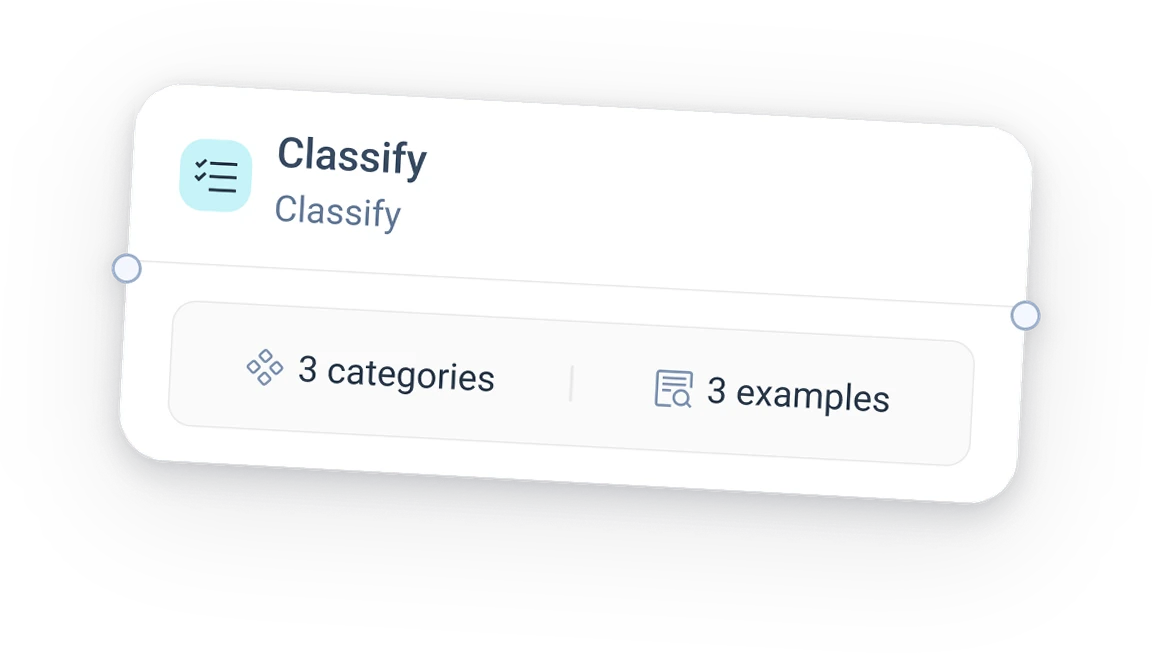
Nine nodes are enough. Agent, Classify, Connection action, End; If / else, While, User approval; Transform, Set state.
Every node needs three states. Empty, selected with its panel open, and configured with a card summary.
One panel, on the right. Every node configures in the same place, so the pattern is learned once.
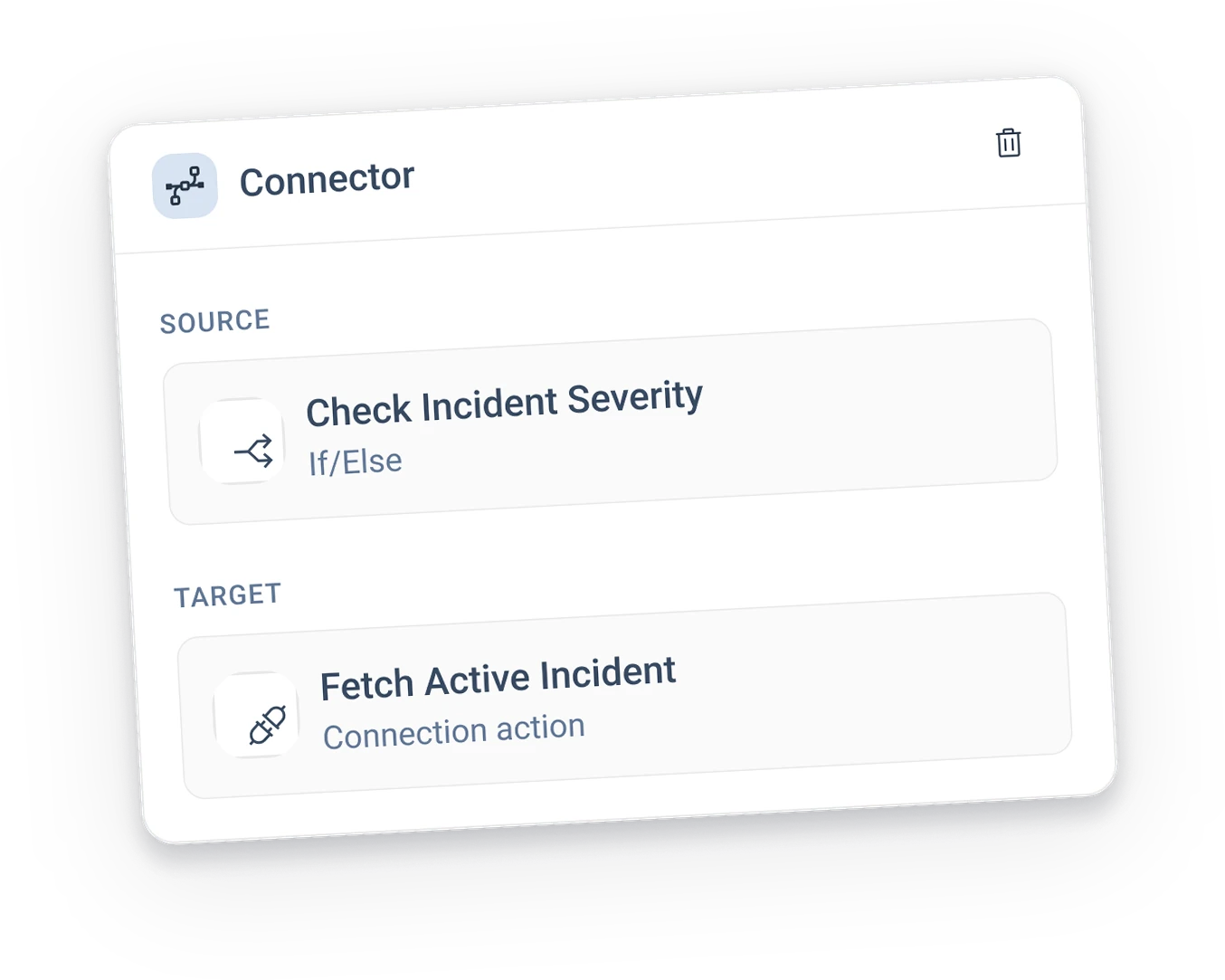
Connectors are objects too. A wire can be selected and shows its source and target.
03IdeasHow did the ideas take shape?
A card on the canvas and a panel at the side, for every node: the card shows what matters, the panel holds the rest.
Transform by expression: keys and values, counted on the card.
Transform by object: a code editor with Simple and Advanced modes.
04SolutionWhat did I design?
The screens, the features and the components.
Light: the model provider menu in the Agent panel.
Dark: the same screen on the slate theme.
Everything is a component, built once and reused, so a new node type is a new card body and panel, not a new screen.
05OutcomeWhat changed?
Designed and documented to the component, every node in three states on both themes. Usage is not measured yet.
- One vocabularyNine nodes in three groups cover a real incident workflow end to end.
- One way to configureCard plus panel, learned once and reused on every node.
- Ready to buildA component set the engineers can take node by node.
- Worked
- One real scenario. Every node had a true job and content from the first screen.
- Three states per node. Drawing the empty state forced the card to explain itself.
- Components before screens. Dark mode and new nodes came almost for free.
- I'd changeFinish the expression editor interaction and the AI panel, which are still open on the board.